How to choose a gaming mousepad for precision and performance
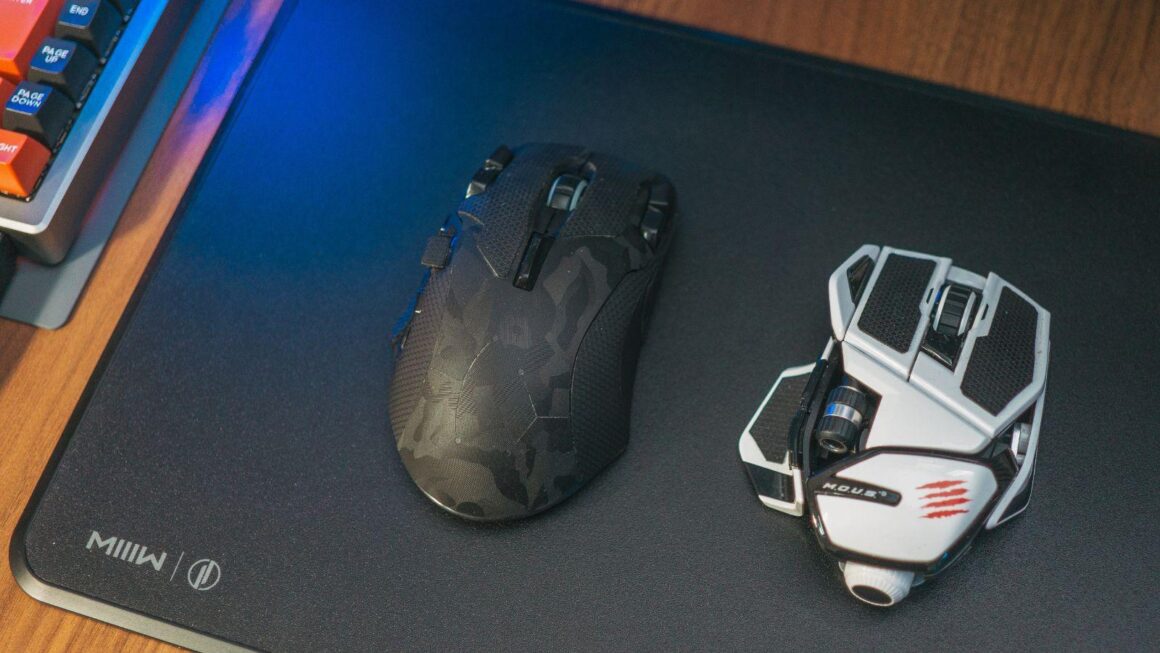
If you focus on fast-paced gameplay or prefer a strategic approach, an appropriate surface promotes smooth aiming and reliable tracking. The right pad also protects the desk and keeps the mouse feet from wearing down as quickly.
Why a quality mousepad matters for gaming
A gaming mousepad does more than simply provide a place for your mouse—it contributes directly to your in-game performance. It offers a consistent surface that allows your mouse sensor to register movements accurately, which is especially useful in games where quick responses and accuracy are important.
Surface texture is one of the clearest differences between models. A cloth surface offers more control and a softer feel, while a hard surface reduces friction and favours faster movements. Trying both is often the only way to find out which suits your grip and sensitivity, and a best gaming mousepad for one player is not automatically right for another.
How to choose the right mousepad for your needs
When looking for a gaming mousepad, think about which matters more to you: speed or control. Sensitivity settings, grip style and the amount of desk space available all feed into that decision.
Size is another important factor to consider. Larger mousepads give you more room for broad arm movements, which is a common preference for players who use low sensitivity settings in first-person shooters. Smaller mousepads may be preferable if you have limited desk space or favour higher sensitivity.
Getting the most from your new gaming mousepad
Keeping your new mousepad clean will help maintain its performance over time. Regular cleaning preserves the consistency of the surface and prevents dust buildup that could affect tracking accuracy. For cloth pads, gentle washing with mild soap is recommended; glass surfaces can be wiped down with a microfiber cloth.
Choosing the right size and material will support comfort during extended use, both when playing games and when working at the computer. Specialised surfaces exist for different priorities, so it is worth matching the pad to the way the mouse is actually used. Wired connections generally give the lowest latency, while modern 2.4 GHz wireless comes close in practice. Bluetooth is convenient for switching between devices, but it is used less often for competitive play because of higher latency. Comfort matters most during long sessions, so weight, padding and adjustability are worth prioritising. Cloth surfaces offer more control and a softer feel, while hard surfaces reduce friction and favour faster movements.
Electronics sold in the EU carry CE marking, and buyers have a statutory conformity period of at least two years from delivery. Keeping the pad clean matters more than most people expect, since dust and skin oils change how the mouse glides. Firmware updates can improve both features and stability, so it is worth checking whether the manufacturer supports the product over time.
Replacing worn parts such as skates or pads is usually far cheaper than replacing the mouse itself. Polling rate describes how often the mouse reports its position, and higher rates give slightly smoother cursor movement at the cost of more CPU usage. DPI describes sensor sensitivity, and a higher number is not automatically better, since many competitive players work at fairly low settings. Stitched or heat-sealed edges help a cloth pad keep its shape and stop it from fraying after months of use. A rubber base with enough grip prevents the pad from sliding during fast movements, which matters more on smooth desks. Most cloth pads can be washed by hand in lukewarm water with mild soap and left to air dry completely before use.