
How to Ask PlayBattleSquare for Account Help
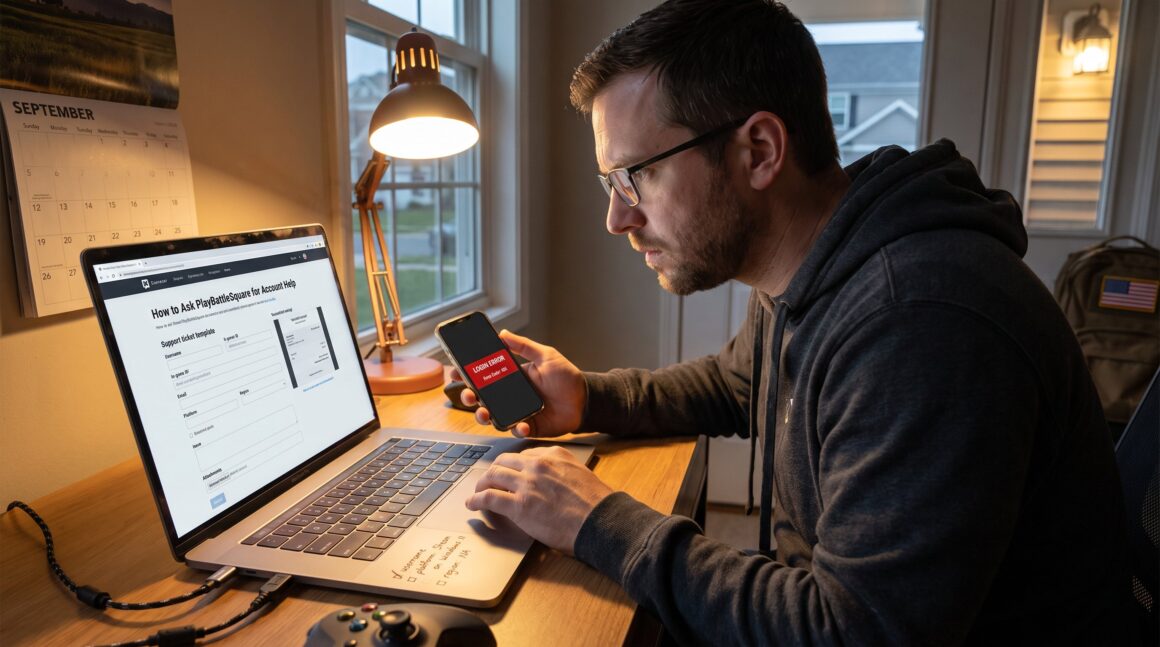
How to Ask PlayBattleSquare for Account Help is a practical skill every gamer should learn. This guide explains exactly what to prepare, the fastest contact routes, and how support typically responds. It helps players, streamers, and tournament entrants avoid delays, protect their accounts, and get the right outcome without repeated messages.
Key Takeaways
- Prepare your PlayBattleSquare account details fully, including username, email, platform, region, issue description, and troubleshooting steps before contacting support.
- Use official contact methods such as the web contact form or support email ([email protected]) for the fastest and most accurate account help.
- Follow the recommended message template with clear subject lines, detailed problem description, labeled attachments, and specific requests to reduce resolution time.
- Expect a response within 1–3 business days, and respond promptly to verification requests to avoid delays during the support process.
- If unresolved after 72 hours, politely escalate by replying to the existing ticket with additional evidence rather than creating new tickets to prevent processing delays.
- Avoid sharing sensitive information like passwords or full payment details; review PlayBattleSquare’s official policy for account safety and rules.
Prepare Your Account Details Before You Reach Out
Fact first: support resolves most account issues faster when messages include complete, clear details. Players should gather six key items before contacting PlayBattleSquare.
- Identity basics: username and in‑game ID. These two items let staff locate the exact account. 2) Account email: list the email currently linked to the profile. If the email is compromised, note any secondary contact. 3) Platform and device: say whether the account is on PC, Xbox, PlayStation, Switch, or mobile and include OS version (e.g., Android 13). 4) Region or server: name the server or region (North America, EU-West, SEA). This narrows down backend logs. 5) Problem description: start with one short sentence like “Cannot log in since 2026-08-12: error 401.” Add any exact error codes or purchase transaction IDs. 6) Troubleshooting already done: list steps tried, for example “password reset via email, two-factor reset, uninstall/reinstall.”
Concrete example: “Username: DragonAce42: Email: [email protected]: Platform: Steam on Windows 11: Region: NA: Issue: Login fails with ‘invalid credentials’ since 2026-09-01: Tried: password reset, cleared cache.” That sample cuts back‑and‑forth and saves the support team time.
Practical warning: do not include full passwords or payment card numbers in the message. Support will ask for verification, but they will never request your raw password. For policy, players can review the site’s official playbattlesquarecom policy to understand account rules and safety requirements.
How To Contact PlayBattleSquare For Account Help
Direct answer: use the site contact form or the support email for the quickest verified path. PlayBattleSquare lists official routes to reach support: choosing the right channel reduces friction and speeds the resolution.
Primary choices: a web contact form and the published support email (for many cases use [email protected]). For site or billing questions, choose the corresponding contact page so the message goes to the correct queue. Community channels like Discord or social pages help with general questions but they rarely fix account restoration or billing directly.
Where to start: if the issue is about account access or a possible ban, begin with the official contact pages rather than public posts. For step‑by‑step directions to the correct forms and addresses, see the short guide on the site’s contact options, which explains which channel fits each problem. That page lists form locations and email contacts and helps players avoid misrouting: contact overview.
When choosing a channel, match urgency to method: support email and ticket forms are measured and tracked: social DMs may be faster for general guidance but they are not an official record for appeals. If billing is involved, use the billing contact page so finance staff get the message directly. For business or partnership questions, use the business inquiry route instead of player support to prevent delays.
Contact Methods And Step‑By‑Step Message Template
Immediate answer: use a web form or direct email and follow a simple six‑step template. That template produces one clear, verifiable message support can act on.
Contact methods (ranked):
- Web contact form, best for tracked tickets and faster routing.
- Direct support email, good for attachments and fuller explanations.
- In‑game support/ticket system, ideal when the game client logs events automatically.
- Community channels (Discord, official pages), useful for status updates or pointers but not for account changes.
Message template (use as ticket text or email body):
- Subject: “Account Help – [Username] – [Issue Type]”
- Identify: “Username: _____: In‑game ID: _____: Linked email: _____: Region: _____.”
- Problem: one clear sentence with error code and start date. Example: “Cannot log in since 2026-09-05: error 401 Invalid Credentials.”
- Steps tried: short list, password reset, 2FA attempt, reinstall, device tested. Example: “Tried password reset and Steam re‑auth: still blocked.”
- Attachments: include two or three screenshots, login error, transaction ID, ban notice, and label them. Screenshots reduce back‑and‑forth by up to two messages.
- Request: state the desired outcome, e.g., “Please restore access” or “Please review ban.” Close with a brief availability window for verification calls.
Example subject and opening: Subject: “Account Help – DragonAce42 – Login”: Body: “Username: DragonAce42: Email: [email protected]: Issue: Cannot log in since 2026-09-01 (error 401). Tried: password reset, cleared Steam cache. Attached: login error, last transaction receipt. Request: restore access or advise next steps.”
Practical warning: avoid vague requests like “fix my account” without context. Specific asks and labeled attachments cut average resolution time from days to hours. For billing-specific problems, send the same template to the billing contact to reach finance staff faster on the site’s billing page.
What To Expect After You Submit Your Request (Timeline & Next Steps)
Key fact: PlayBattleSquare support usually replies within 1–3 business days and will open a ticket with a reference number. That number helps both the player and staff track progress.
Typical timeline: immediate auto‑response (ticket created), a first human reply within 24–72 hours, and additional verification if needed. If the issue involves purchases or account ownership, staff often ask for extra verification documents. Examples of verification requests include a recent purchase receipt, partial card digits, or a photo of a government ID. Support never asks for full payment details.
Next steps players should take: monitor the linked email (including spam) and the ticket portal, keep screenshots handy, and respond quickly to verification requests. Fast replies from the player reduce total resolution time dramatically: a response within 24 hours usually avoids escalation.
What happens during escalation: if a case requires account restoration or a formal appeal (for bans), it moves to a specialist team. Specialists may take longer, often 3–7 business days, because they review logs, match evidence, and apply policy. Players can consult the site’s policy page to understand ban criteria and appeals steps before escalation: this helps set expectations and prepares accurate rebuttal points. See the internal guide on where to find the official contact page for additional routing tips that match specific problem classes.
If there is no reply in 72 hours, escalate politely by replying to the ticket with the ticket number in the subject and adding new evidence. Avoid multiple new tickets for the same problem: duplicate tickets slow processing and can split attention across agents.
Conclusion
Final insight: players get faster, safer account help when they use official channels, supply full details, and respond promptly to verification. For routing and form locations, refer to the site’s contact overview and billing pages so messages go to the right team. Clear, labeled messages reduce wait time and risk of miscommunication.


